Parts Implemented by Nurullah Topaloğlu
Players Page
Following page will be prompted to the screen when players page is clicked.
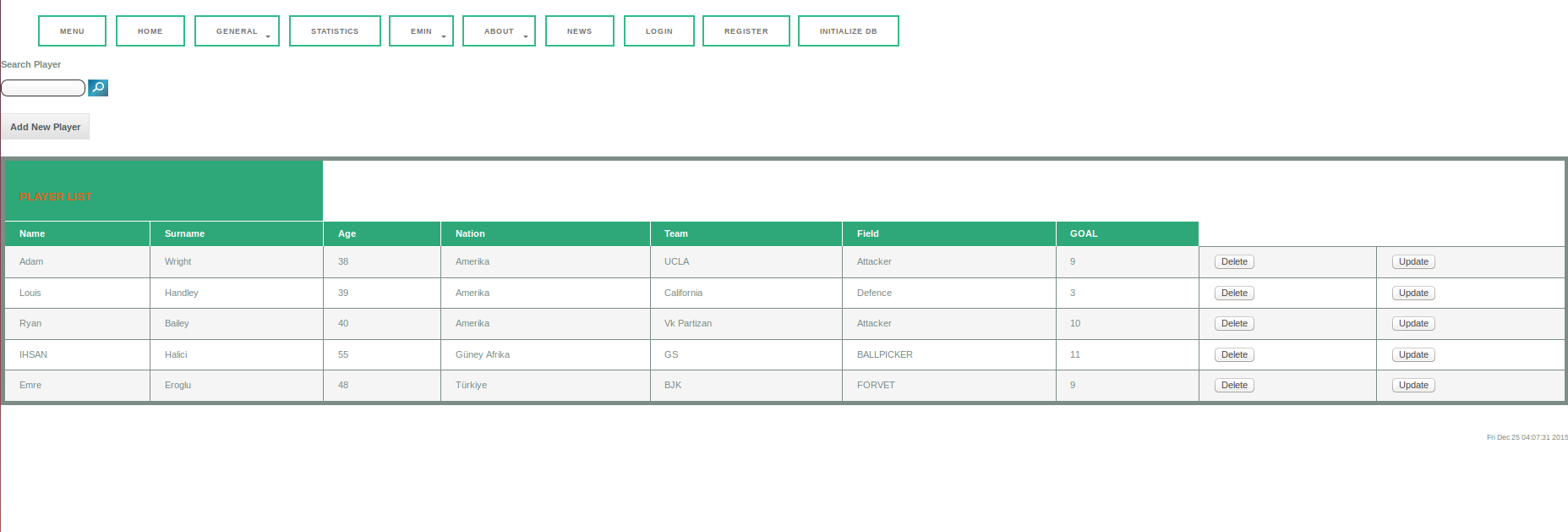
Basically players page consists of 3 part. On the top there is Search box option, on the middle there is Add new player option and on the bottom there is list of all players in DB. Also all players in the list have Delete and Update options. Players list displays name, surname, age, nation, team, field and goals of the players.
Add Operation
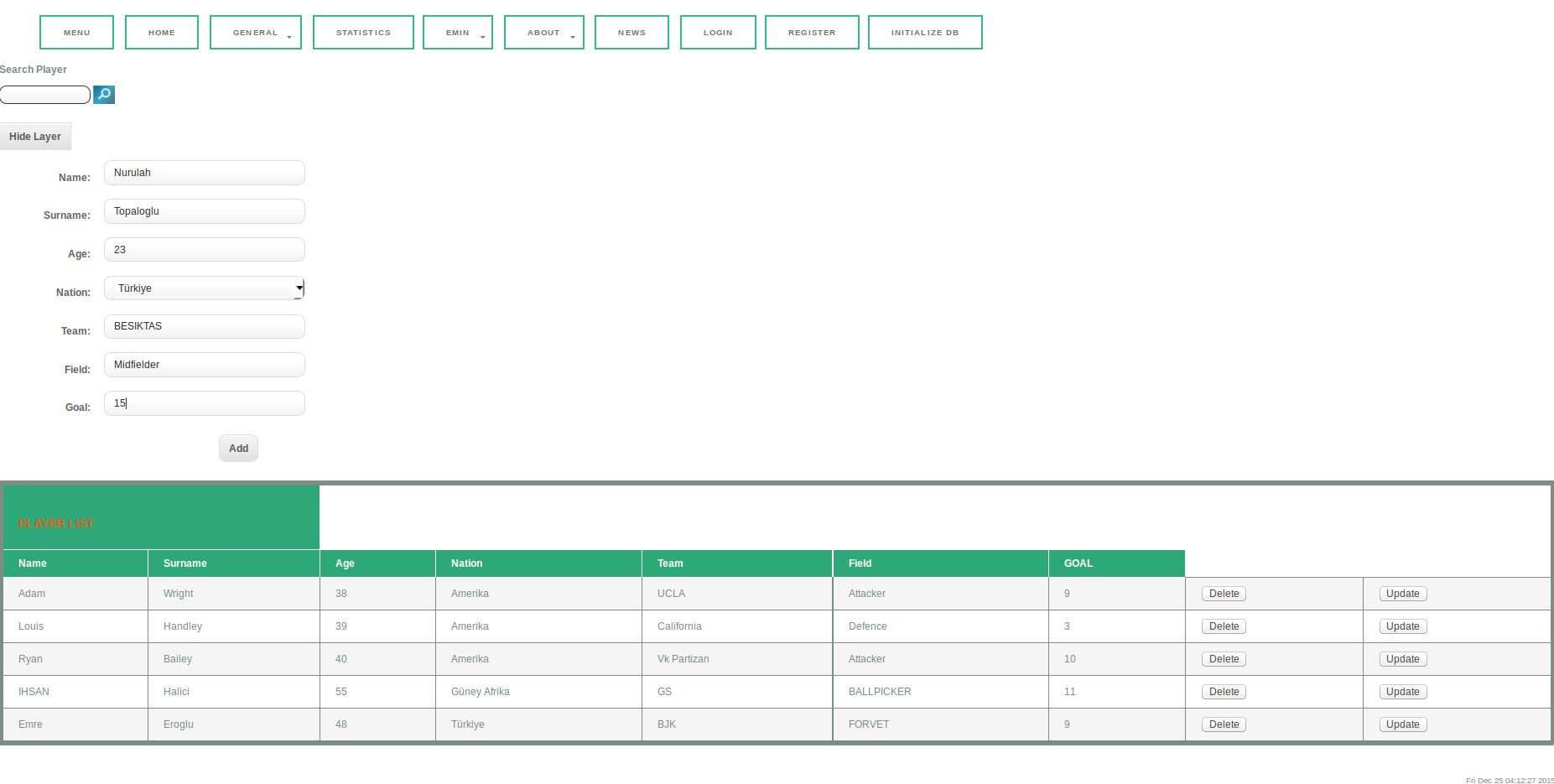
When Add New Player button is clicked following layout will be visible. All data for a player is entered and Add button is clicked. Added new player will be pass to DB and will be display in player list.
Delete Operation
Simply by clicking Delete button from the players table, selected player will be removed from table.
Update Operation
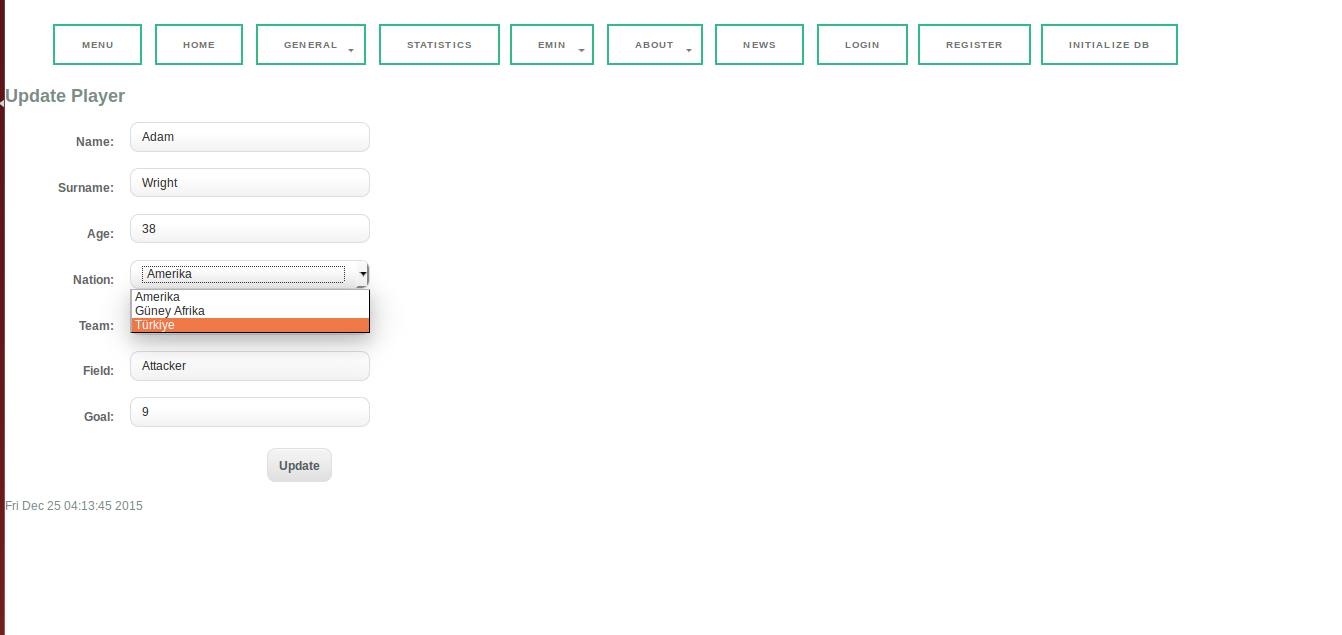
When Update is clicked from the player table, players information is displayed and it can be edited. When edit is done, by clicking Update button changes will be operated and will be displayed in players table.
Search Opearation
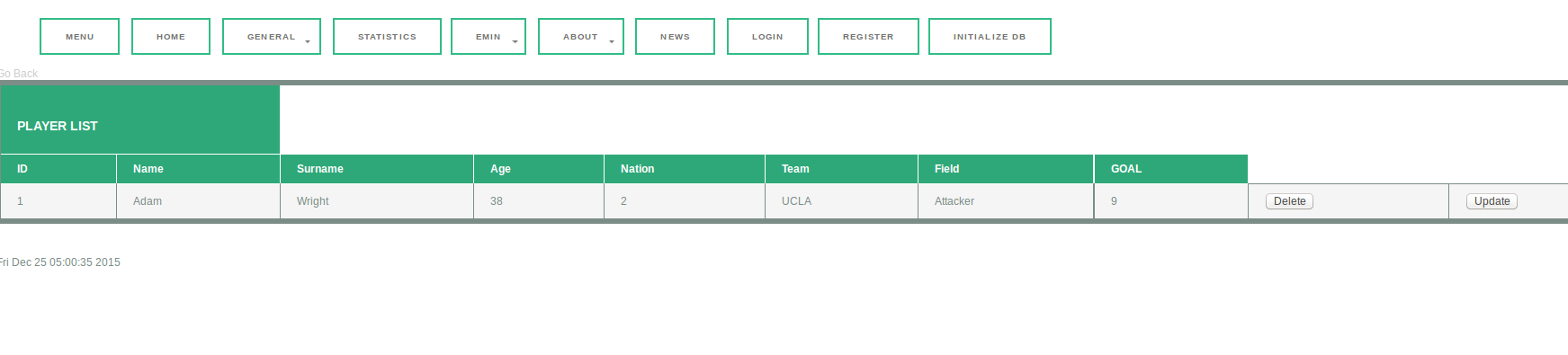
In order to search a player, desired players name should be entered the Search box and by clicking search image, All players that include entered word in its name, will be listed and displayed as result. If it is found, then user can also Delete or Updare players from this table too.
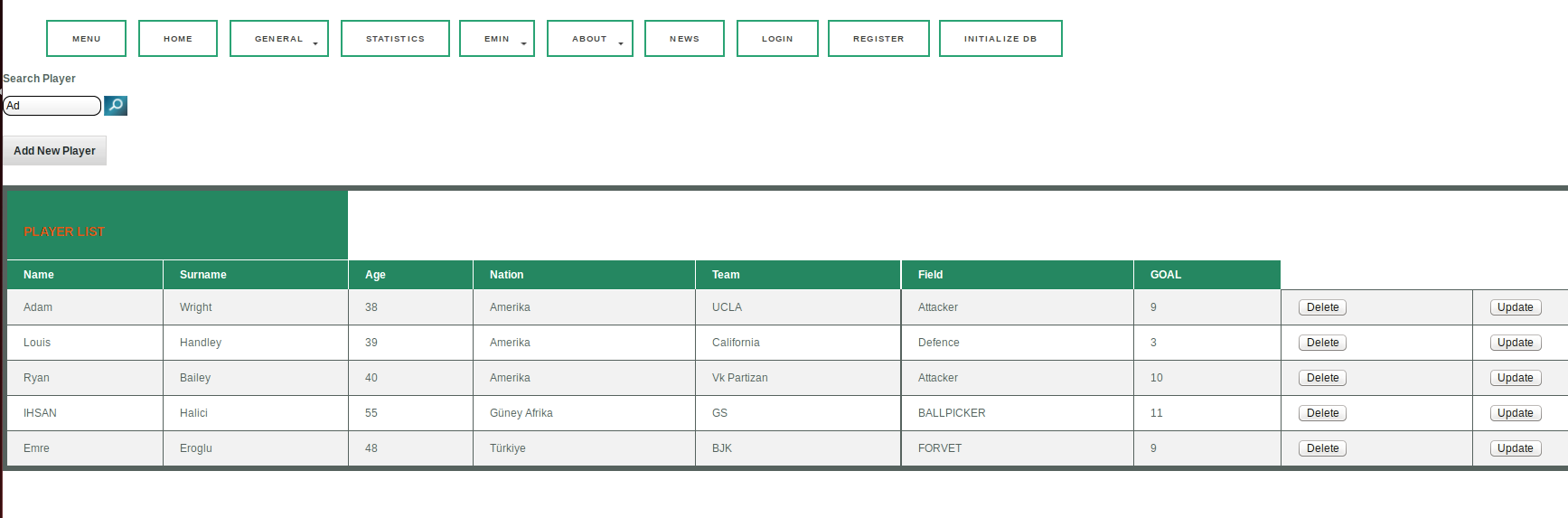
After clicking Search image, following page will be displayed;
Coaches Page
Coaches page has basic operation interface. User can Add New Coach, Delete or Update existing coach and Search a coach from coach table. Beside coach name and surname, therir nations and teams that they manage are listed in the table.
Add Operation
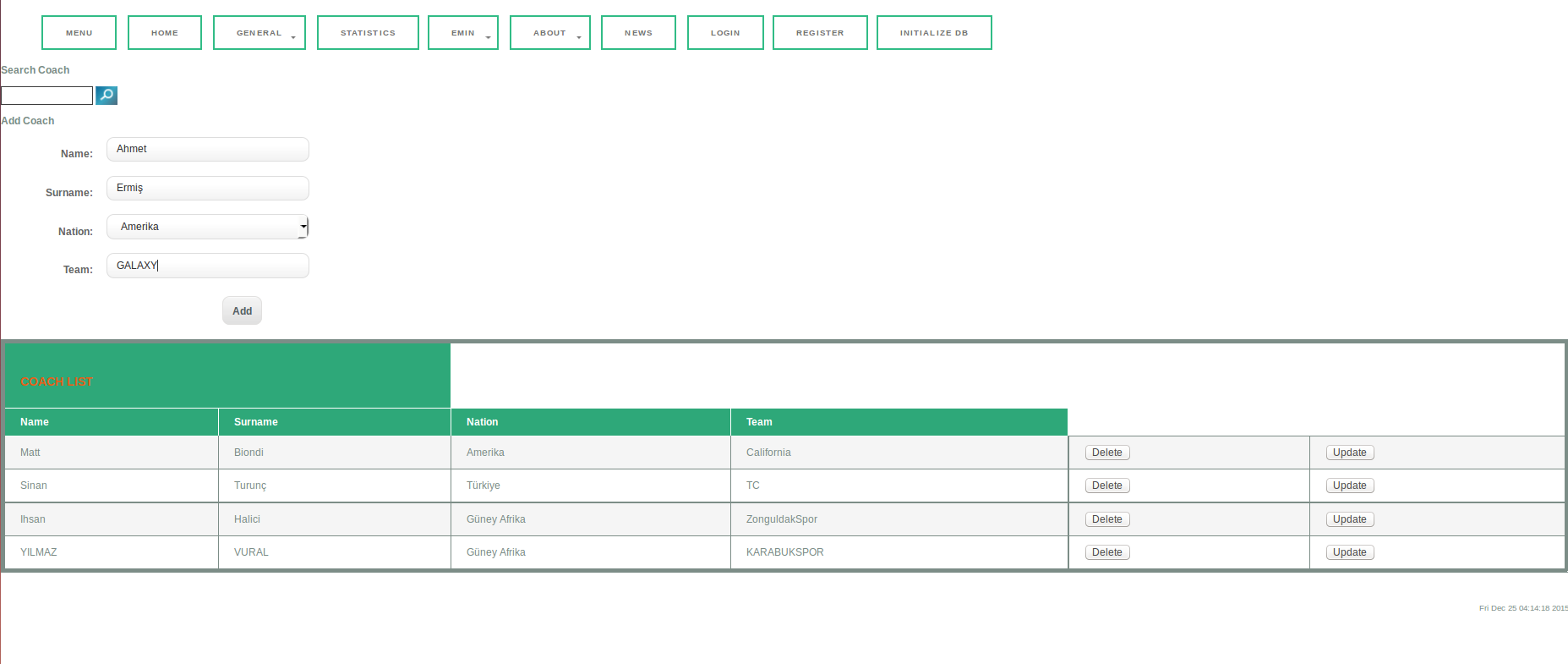
By entering name, surname, nation, and team data, a new coach can be added to Database.
Delete Operation
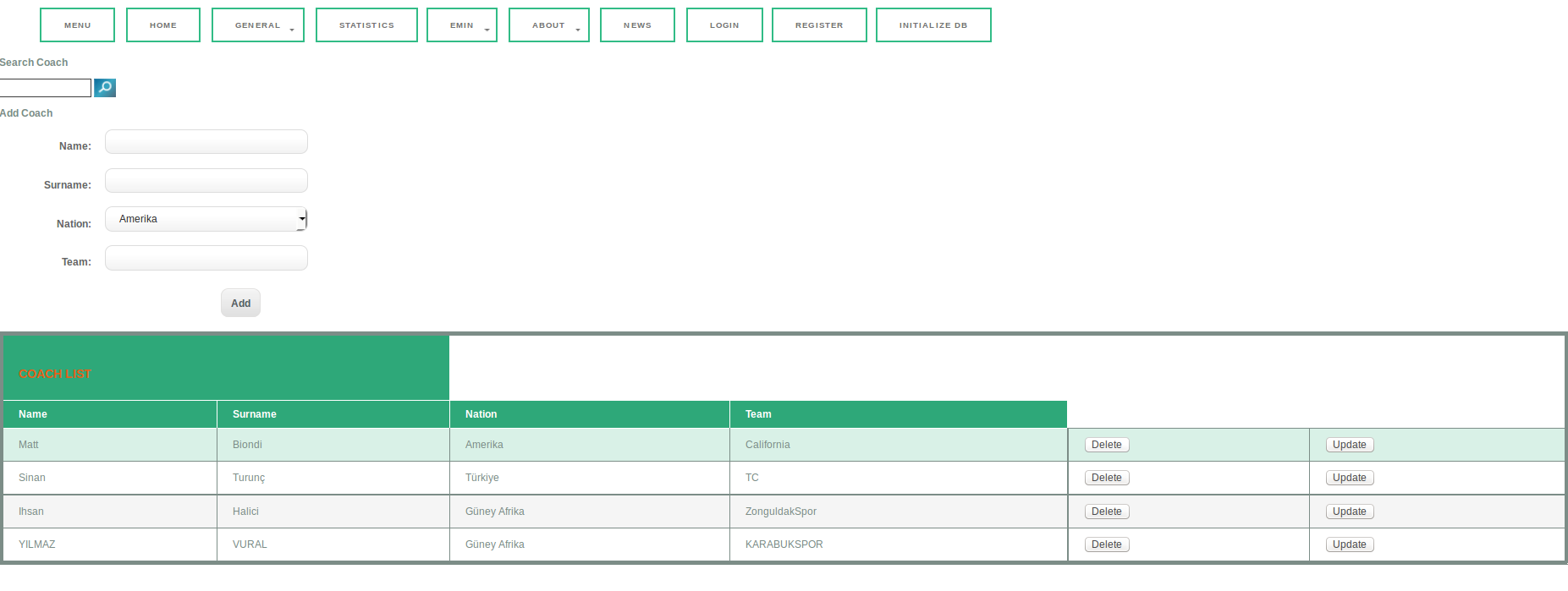
By clicking Delete button for coach Matt Biondi, he will be removed from coach table as following;
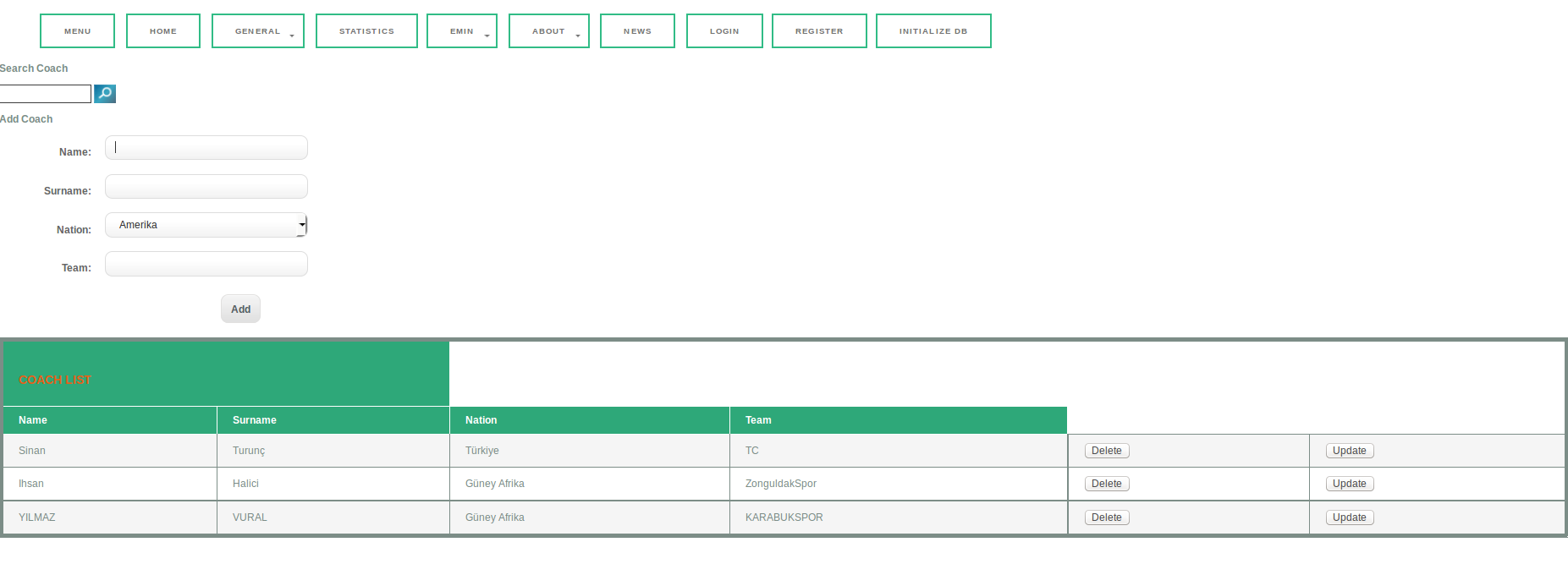
Update Operation
Selected coach can be updated, country must be one of the country from countries table.
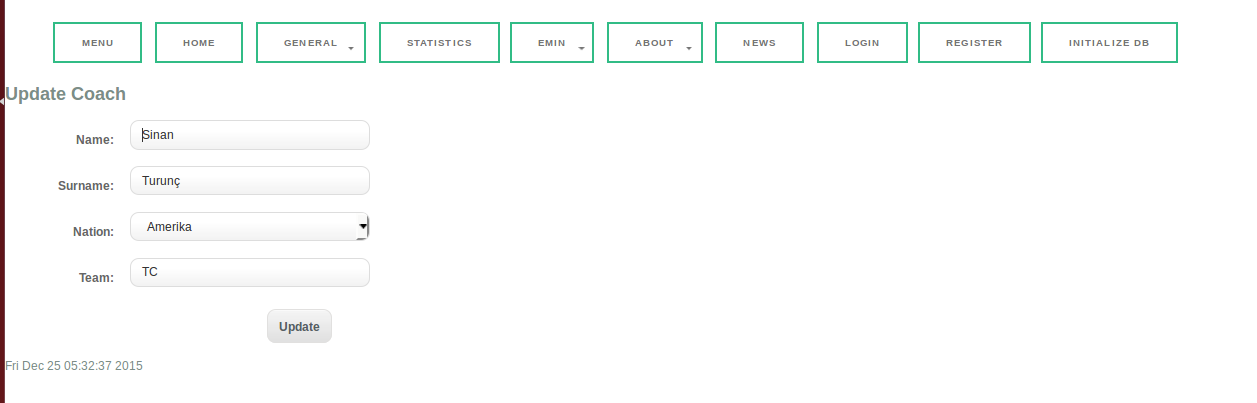
Search Opearation
Search operation works like players table. Desired coach name is entered to search box and if it is found it will be listed. For example in below, Si entered to search box and search image is clicked. since Coach named Sinan has Si in his name, his informations are listed.

Referees Page
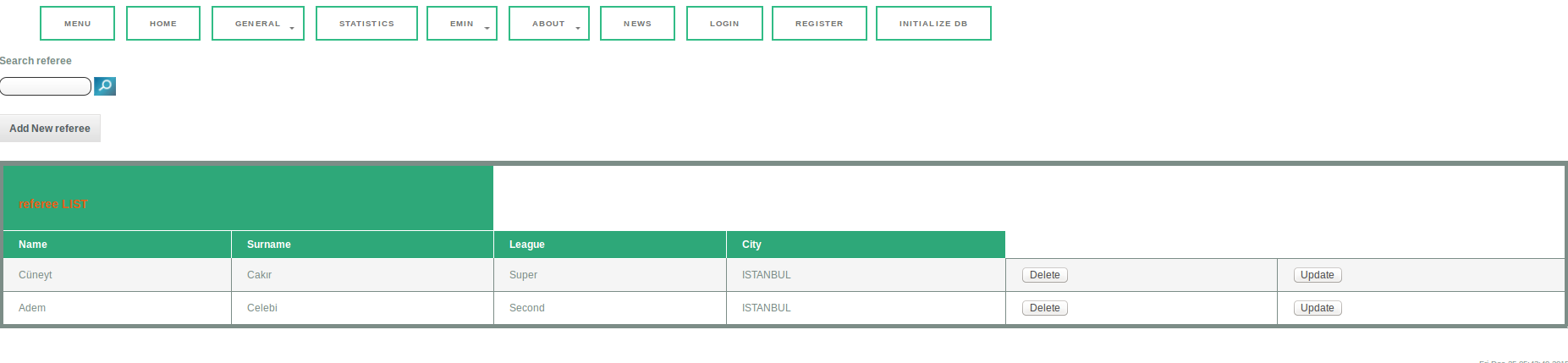
In Referee page, there is Add, Delete, Update and Search option. Following image is the main html file of referee page. There are 4 features of referees listed as name, surname, league and city.
Basic addition of a new referee, name, surname, league and city should be entered and click Add button
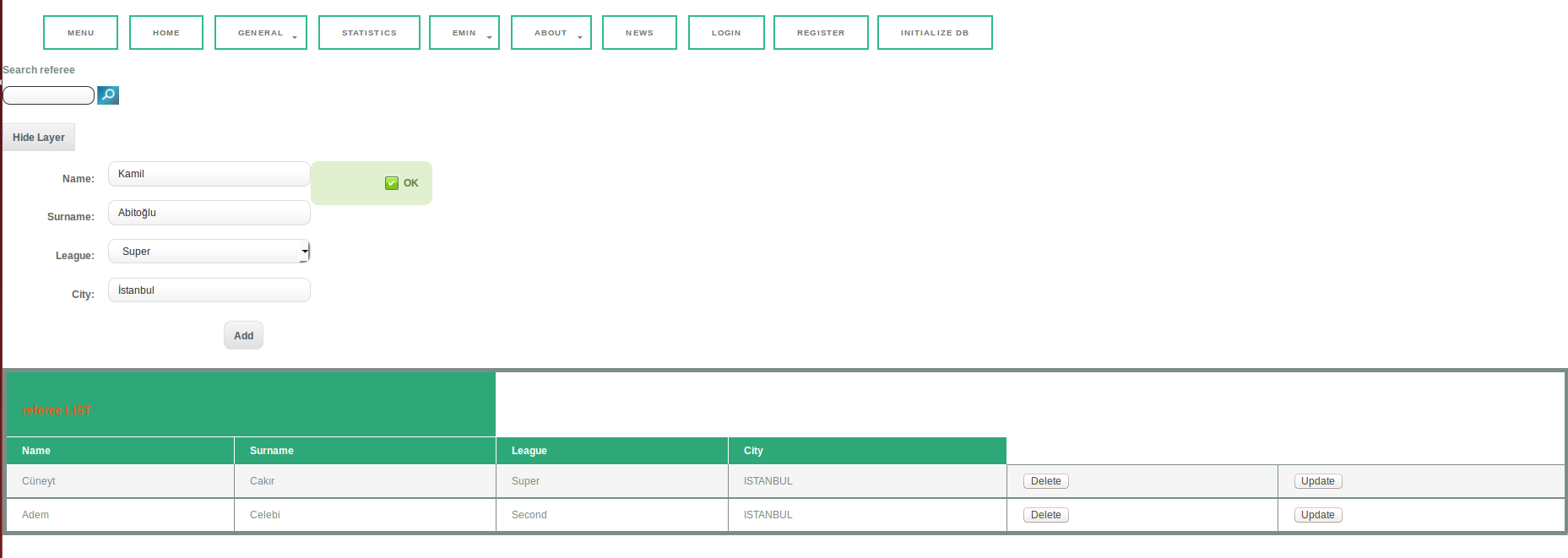
Update and Delete buttons works like players table.